For anyone who worries about someone living alone

Know your
loved one is okay.

From the phone they already carry, Nora notices the small signs of an ordinary day. If it ever goes quiet, Nora lets you know.

Save our spot See Helen's Tuesday
Coming soon to the App Store
9:41
Tuesday · Apr 23
Good morning, Helen.
All clear
Everything's okay
Last check-in · 2 min ago
I'm Okay
Home
Settings
scroll

Nora is an iOS app that quietly checks on an aging parent through their normal phone use — no cameras, no wearables, nothing new for them to learn.

What if something happened — and nobody knew for days?

It's the thought you don't say out loud. It's why you call every morning just to hear her pick up, and why your stomach drops when she doesn't. So you've tried things.

The pendant

is still in its drawer.

The camera

came down after a week. She hated it, and honestly, so did you.

The routine check-in

worked until the morning she forgot it.

Everything you tried needed her to remember it, or made her feel watched. Nora just notices.

The whole day, in four small moments.

This is Helen's Tuesday, the way Nora quietly sees it.

Motion Steps Home or away Charging “I'm okay” — her choice
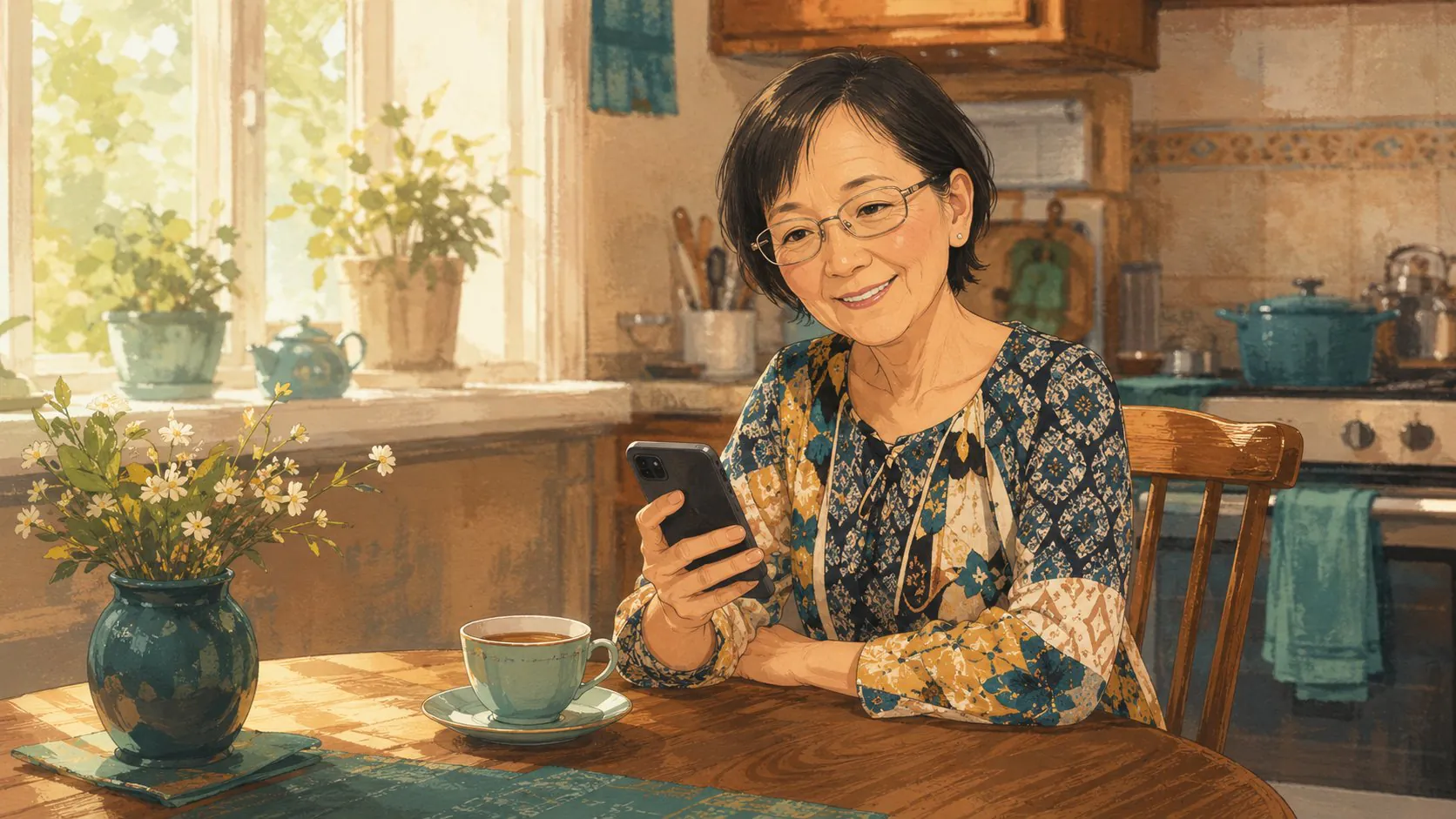
Helen at the kitchen table with her tea, phone just off the charger
Tuesday morning, 7:14
Off the charger · 7:14 AM
First pickup of the day
Off the charger · 7:14 AM
First pickup of the day

The day starts
when hers does.

The phone comes off the charger. A first pickup, a little motion — and Nora can tell the morning is under way.

That afternoon, 1:32
1,240 steps today
Away from home
1,240 steps today
Away from home

Out the door,
and back again.

A walk to the pharmacy, the usual Tuesday errand. Nora can tell she's out — and that going out is a good sign. Home or away is all it knows.

Helen asleep, her phone back on the nightstand charger in lamplight
That night, 9:32
Charging · 9:32 PM
Charging · 9:32 PM

Back on the charger,
day complete.

She winds down and plugs in for the night. Some evenings she taps “I'm okay” — because she wants to, never because she has to.

And on the rare morning her day stays quiet?

6 AMNOON6 PM10 PM

Nora doesn't panic. It has a plan — so you don't have to.

1
We check with her first

A gentle nudge, just to her.

When a day goes quiet, Nora asks her first. A check-in lands on her phone — one tap, and it's settled. No one else is troubled.

2
Inside the app

If she opens the app instead.

The same question, one big button. She taps it and goes back to her morning.

3
A quiet word to you

If it stays quiet, you'll see it.

If she still hasn't answered, Nora turns to you. Her card in your app reads “checking in,” with everything Nora has noticed so far.

4
Now you'll know

We make sure it reaches you.

If the quiet passes the limit you set, you get a notification and a text together, enough to break through a silent phone. One clear reminder follows about two hours later, and then Nora stops. Two messages, not twenty.

5
Resolved in one tap

“I'm okay,” and it's over.

The moment she taps “I'm okay” — or the day simply picks back up and Nora notices — everything settles back to green. She's always the one who ends it.

9:41
Wednesday, April 24
9:41
Noranow
It's been a quiet morning. Tap when you get a moment to let Sarah know you're okay.
9:41
Wednesday · Apr 24
Good morning, Helen.
Nora hasn't seen a check-in from your phone in a while. A quick tap will put Sarah at ease.
It's been a while
Time to check in
Last check-in · 12h ago
I'm Okay
Home
Settings
9:41
Helen
It's been a while
Helen has been quiet for a while.

Nora sent a quiet heads-up and asked them to check in. No loud action yet.

Last check-in
12h 12m
Send check-in
Send text
Call
Mark okay
Recent activity
Last check-in
04/22/2026 · 6:24 PM
The quiet clock started here.
Quiet heads-up sent
Today · 6:36 AM
Nora nudged Helen to check in.
9:41
Helen
Time to reach out
Helen is still quiet.

Nora sent the next message. A quick call or text may set your mind at ease.

Last check-in
15h 18m
Call
Send check-in
Send text
Mark okay
Recent activity
Last check-in
04/22/2026 · 6:24 PM
The quiet clock started here.
Text message sent
Today · 9:36 AM
Nora escalated after the quiet continued.
9:41
Helen
All clear
Helen is okay.

Helen tapped I'm okay at 1:14 PM. Her phone's in use again, charging, at home.

Confirmed
1:14 PM
Recent activity
Helen confirmed okay
Today · 1:14 PM
Via Nora app.
Phone in use again
Today · 1:13 PM
Nora received the check-in before closing the heads-up.
Charging at home
Today · 1:13 PM
Useful context from the same check-in.
98% battery home

And if something really is wrong, you won't be finding out days later.

Nora is for the hours you can't be there.

The ones you can — she'd rather have you than just a check-in from an app.

If they can carry a phone,
you're already set.

Your part

about 5 minutes, once
1
Download Nora
Tap “Get started,” then “Check in on someone.”
2
The invite comes from you
Add their name and number. Nora gets a short invite ready for you to send, from your own number — never a stranger’s.
3
Set your preferences
Where home is, a local contact, and how long the quiet can last before Nora reaches out. Then you’re done.
They never make an account or remember a password. Nora handles the rest.
A daughter setting up Nora at her kitchen counter
five minutes, from your kitchen
A loved one settled in his armchair, phone in hand, lamplight on
the whole setup, from the armchair

Their part

about 30 seconds
1
Tap the link in your text
It came from you, so it already feels familiar.
2
Allow four quick permissions
Notifications, background app refresh, motion & fitness, and location services. Never their messages, calls, or camera.
3
And they’re all set
A quick yes to each, and Nora settles quietly into the background.

No hardware to ship, no technician to schedule.

It happens on the two phones you already own, and it's done before the coffee gets cold.

The hardest part isn't the app.

You already know how the conversation goes in your head. She'll say she doesn't need it. She'll say she's fine. She'll change the subject.

And there's a quieter worry underneath: that asking will make her feel watched, as if you've stopped trusting her to manage on her own.

Here's what actually happens with Nora: you send a text. From your phone, your name, your number. The link opens a simple screen that says what Nora does and what it doesn't. She taps yes — or she doesn't.

You're not asking her to accept help. You're asking her to make sure you'd know if something ever went wrong.

SUNDAY 4:12 PM
Honestly sweetheart, I'm fine. You worry too much.
I don't need any gadgets.
I found an app that just lets me know you're okay — and if there's anything really wrong and you, for some reason, can't get to your phone, it'll let me know. It can't see your texts or where you go. Thirty seconds, and you can turn it off anytime. Try it for me?
Delivered

Most parents say yes. Not because they think they need it. Because their kid asked, and it took thirty seconds, and it wasn't a big deal.

Ready when you are — save your family's spot.

Jeremy with his mom Helen in the kitchen
Jeremy and his mom, Helen.

A note from Jeremy

My mom is 80. She has Parkinson's. A few years ago she fell and broke her hip, and didn't tell my sister or me until she was already healed.

We lived out of state, and she hates to burden us.

That's who she is. And that's why I built Nora — because she'll never ask for help, and I needed a quiet way to know she's okay, even when she won't tell me herself. Now I have one.

If you're here, you know exactly what that feels like.

— Jeremy Helen's son. Founder of Nora.

Care, never control.

Nothing new to carry

There's nothing to install in their home and nothing new to wear or charge. Nora works from the phone they already keep with them.

We don't see their life

Not their texts, not their calls, not their photos. Nora reads only the plain signs of an ordinary day — steps, charging, whether the phone's stirred.

Home and away, nothing more

Nora knows two things: home and away. When they head out — a walk, the store, church — Nora knows, and eases off. No map, no route history, no dot on a screen — so a quiet phone at home isn't mistaken for trouble when they're simply out.

They can pause anytime

One tap in their app stops all sharing, no questions asked. It starts again only when they say so.

What Nora knows stays yours

We don't sell it, share it, or train AI on it.

Read the full privacy policy

The things families ask first.

Pick a group — or view all.

The everyday
01What if my parent barely uses their phone?

That's fine. Nora doesn't need screen time or app usage. Picking up the phone, a few steps, plugging it in at night — that's plenty. “Too quiet” is yours to define, so a slow morning isn't treated like trouble. And if the day really does go still, noticing that is exactly what Nora is for.

02What does my loved one have to do?

Almost nothing. They carry their phone the way they always have. The one thing Nora might ever ask is a check-in: a notification with one big button, one tap to say “I'm okay.” If they miss it, that's fine — Nora just lets you know instead.

03What if they forget to check in?

Nothing dramatic happens. Checking in was never their job — Nora reads the ordinary rhythm of the day on its own, and only reaches out, in steps, if that rhythm goes quiet for longer than you've chosen.

When it matters
04What if something actually happens?

Nora isn't a substitute for 911 or a medical alert system. If your loved one needs emergency help, call emergency services. Nora's job is the space between — the daily question that nobody else answers: “Is she okay today?” If a day goes quiet and stays quiet, Nora makes sure you know in time to check in, call, or ask a neighbor to stop by.

05How do we know it actually works?

During your first two weeks, Nora walks the whole family through the plan — the nudge on their phone, the quiet word to you, every step in order, all clearly marked as practice. Everyone's seen how it goes before it ever matters.

Privacy & consent
06Can you see where they are?

No. Nora knows two things — home, or out — so it can tell “sleeping in” from “something's wrong.” It never knows where they went.

07Does my loved one know it's there?

Yes, always. Nora is never secret. Your loved one sets it up with you, can see exactly what's shared, and can pause it anytime.

The practical bits
08What phone do they need?

The iPhone they already carry — nothing new to buy. Android is on the way; drop your email in the beta signup and we'll let you know the moment it's ready.

09Can the whole family use it — and both parents?

Yes to both. Add anyone who worries — siblings, cousins, a trusted neighbor — and everyone sees the same screen. Each person you check on gets a card of their own:

H
Helen · Mom
All okay· “I'm okay” · 1:14 PM
T
Thang · Dad
All okay· 14 min ago · home
M
Mina · Aunt
Check-ins paused — her choice

One subscription covers the whole household — nothing extra per person.

10How much does Nora cost?

Nothing during the beta. At launch, one simple subscription with everything included. And the first 100 Founding Families keep Nora free, for good.

11How long does setup take?

About five minutes for you, thirty seconds for them. You download the app, send them a link, they tap it — no account on their side, no settings to fuss with.

Rest easier.

We're opening the beta to 200 families. The first 100 are Founding Families — Nora free, forever.

Tell us a little about yours, and we'll save you a place.

Something went wrong. Please try again, or email hello@hellonora.io.

Free during the beta, no card needed. The first 100 Founding Families keep Nora free, forever. We'll only email you about your place.